
Shorter queues. Faster tables.
Guests order and pay from the table or the queue, and the counter only hands over.
Last updated
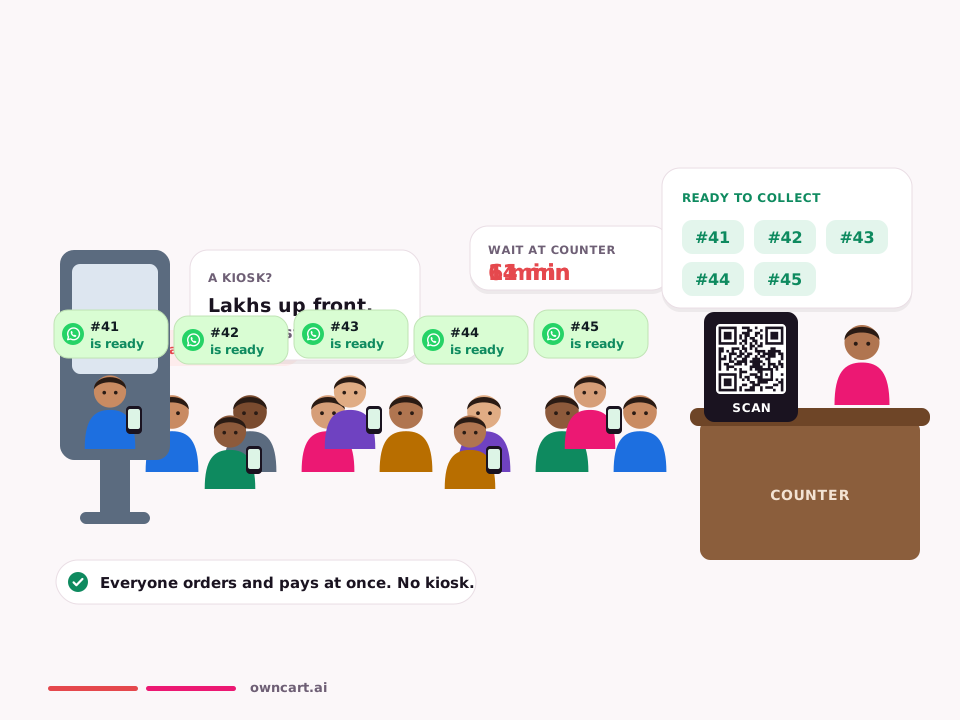
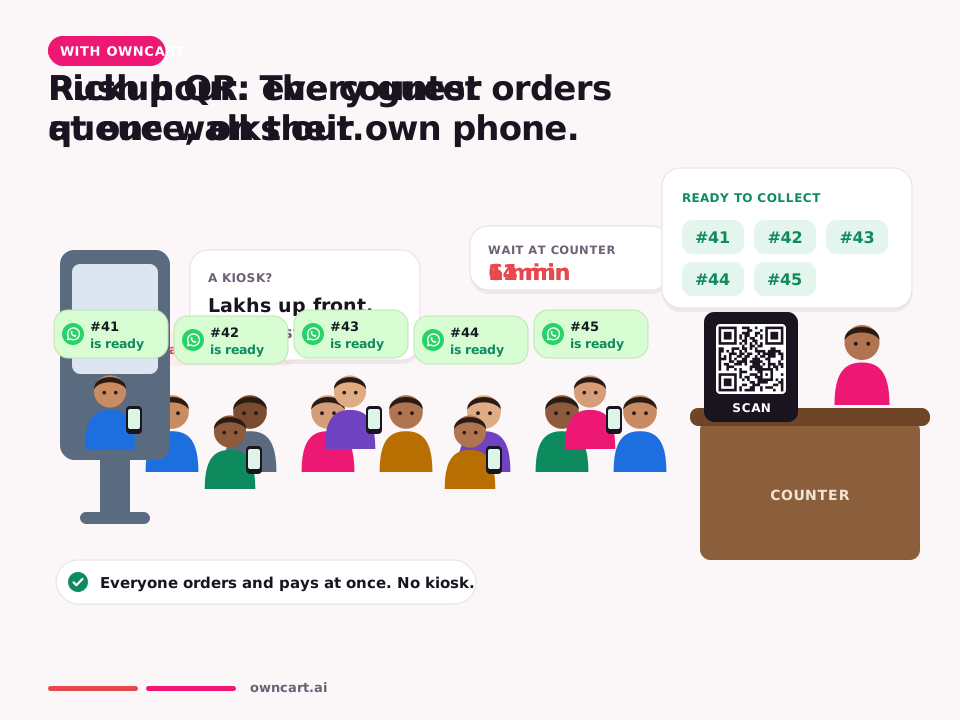
Watch pickup QR vs queue


OwnCart helps cafés and quick service restaurants with table and counter QR ordering, online payment on the guest's phone, pickup OTP for the right handover, auto-accept for paid orders, add-ons with limits, daypart menus and timed offers such as LUNCH10 from 12 to 3.
Built for counters and quick service
- Table QR: guests order and pay from the table
- Counter QR: takeaway guests order from the queue on their phone
- Pickup OTP: the right bag to the right guest at a crowded counter
- Auto-accept paid orders in the rush, and auto-close pickup orders after they are ready
- Add-ons with limits: extra shot, extra cheese, choose-2 combos
- Daypart menus: breakfast hides itself at 11
Where cafés lose time, and the fix
| Problem | OwnCart fix |
|---|---|
| Long queue at the counter | Counter QR: order and pay on the phone |
| Wrong order handed over | Pickup OTP |
| Lunch deals running all day | LUNCH10 only from 12 to 3, switched off automatically |
| Office regulars ordering on aggregators | WhatsApp ordering and OwnRewards points |
No waiter wait. No queue. No kiosk.
Table QR · dine-in
Scan the QR on the table → pick dishes and add-ons → the order prints as a KOT in PetPooja → status goes placed, confirmed, served. For you: faster table turns, fewer missed orders, and every dine-in guest's number saved.
Pickup QR · at the counter
Scan the counter QR → order and pay on the phone → “Your order is ready” on WhatsApp → collect. For you: the rush-hour queue disappears, and counter staff just hand over food.
| Kiosk | OwnCart pickup QR | |
|---|---|---|
| Hardware cost | Lakhs per unit | A printed QR |
| Queue | Guests queue at the kiosk | Guests order from their seat or in line |
| Payment | At the kiosk | UPI or card on their own phone |
| Order-ready alert | Screen or token number | WhatsApp: “Your order is ready” |
| Guest's number | Not captured | Saved to your guest list |
Common questions
What is included in the free plan?
Upload a photo or PDF of your menu and OwnCart's AI builds your digital menu. You get a QR code for each table and a starter website, so guests can see your menu the same day. Upgrade to the Restaurant plan to take paid orders.
How do customers order on WhatsApp?
The customer says Hi on your WhatsApp number and receives a secure OwnCart link that opens inside WhatsApp. They pick dishes, choose delivery, pickup or dine-in, pay by UPI or card, and the order lands on your live order board. See WhatsApp ordering.
Do you replace a kiosk?
Yes. A printed pickup QR at the counter lets guests order and pay on their own phone and get a WhatsApp message when the order is ready, so you don't need kiosk hardware.
Related pages
Put your menu online tonight.
Start free with a photo of your menu, or book a 15-minute demo and we'll set it up with you.
- 0% commission on every order
- Free digital menu to start
- Set up in Tamil or English