
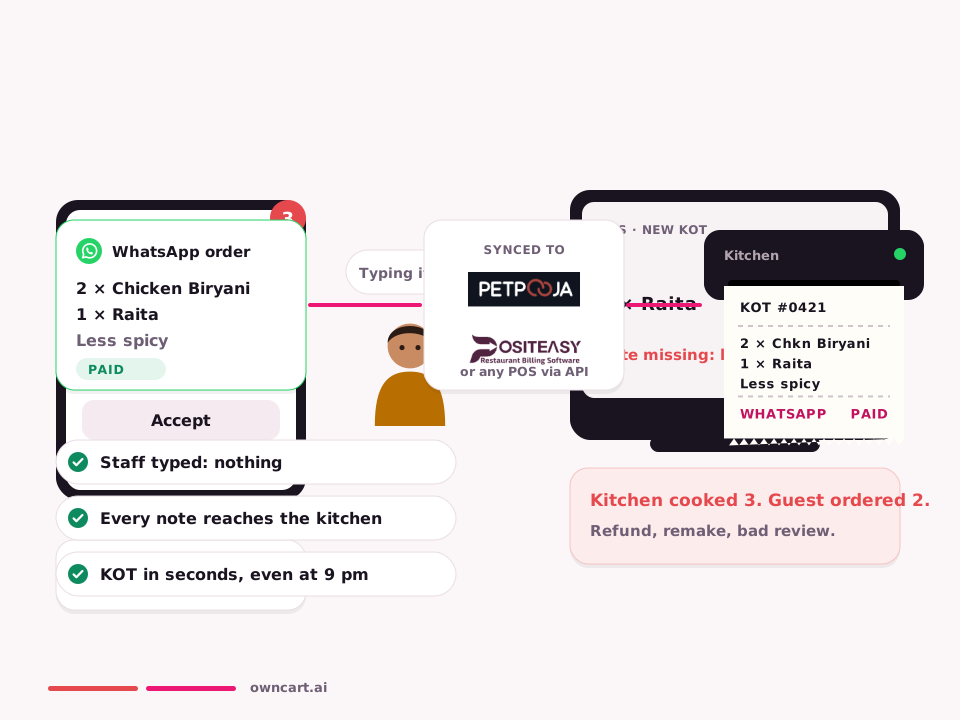
Don't retype the order. Let the POS print the KOT.
OwnCart talks to the POS you already run — PetPooja, Positeasy, or Shopify — two ways.
Last updated
Watch auto KOT
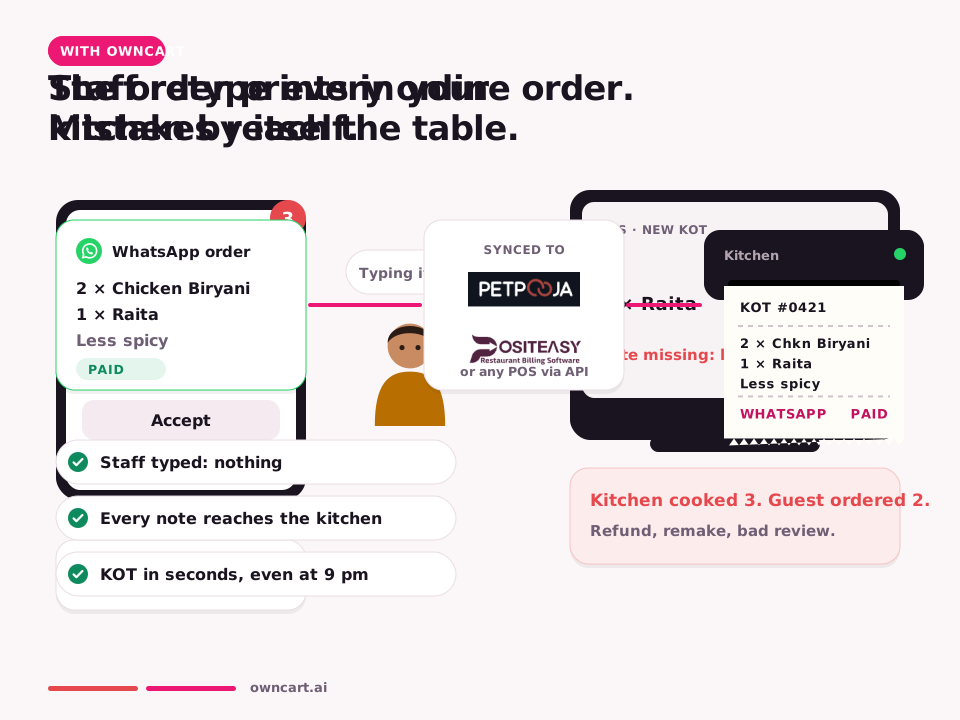


Menu, price and stock come from the POS. Paid OwnCart orders are created in the POS so the KOT prints. Status comes back to the guest on WhatsApp.
Realtime tonight
Merchant: Anwar never types a WhatsApp order into PetPooja again. The KOT is already on the spike.
Customer: Guest gets “preparing now” because the POS moved the ticket, not because someone typed a chat.
How it works
- Connect the POSPetPooja or Positeasy per outlet.
- Menu syncDishes, prices and 86'd items follow the POS.
- Paid order inOwnCart creates the POS order; KOT prints.
- Status outAccepted / ready / dispatched updates the guest.
- Works without POSLive board and GST PDF if you have no POS yet.
Same feature, other businesses
Restaurants.
- Merchant: Connect PetPooja; map items; let KOT print; accept locks when POS owns status. Customer: Order reaches kitchen printer; status follows POS.
Grocery & kirana.
- Merchant: Connect if that is your POS. Customer: Orders flow to Positeasy.
Textiles & garments.
- Merchant: Connect if that is your POS. Customer: Orders flow to Positeasy.
Clothing stores.
- Merchant: Connect if that is your POS. Customer: Orders flow to Positeasy.
Meat stalls.
- Merchant: Connect if that is your POS. Customer: Orders flow to Positeasy.
Common questions
Is this a separate OwnCart product?
No. POS & KOT sync is a feature area inside OwnCart, same plan as WhatsApp ordering and the live board.
Where do I see a full WhatsApp example?
The page we use as the pattern is WhatsApp ordering — Hi → pay → KOT.
Related pages
Put this live on your outlet.
Start free with a photo of your catalogue, or book a 15-minute demo.
- 0% commission on every order
- Free digital menu to start
- Set up in Tamil or English