
Catalogue & menu
A menu that hides breakfast at 11 and 86s the fish when it's gone.
AI from a photo or PDF, dayparts, stock, veg labels, bulk CSV — the catalogue guests actually see.
0% commission₹10,000 / outlet / yearRealtime example below
Last updated
Quick answer
Build the menu from a paper photo, sync from POS, hide dayparts, mark stock, retag chef-specials. Guests only see what's on.
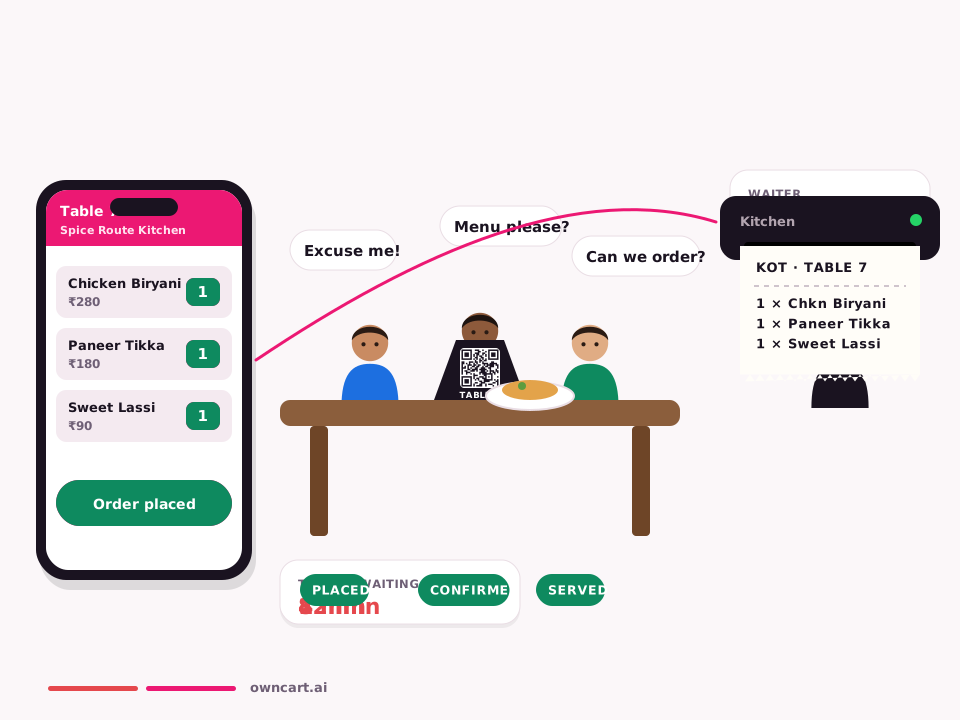
Realtime tonight
Merchant: Meena photographs the wall menu at 4pm. By 5 the site is live. Fish 86'd at 8pm disappears for guests.
Customer: Guest opening at 10pm never sees idli. They see what's actually cookable.
How it works
- Photo → dishesAI extract from a paper menu or PDF.
- DaypartsBreakfast category hides after 11.
- Stock86 a dish; it drops off the site.
- LabelsVeg / non-veg / egg on every item.
- BulkCSV and category price change.
Same feature, other businesses
Restaurants.
- Merchant: Create dishes as goods; rare “catering setup fee” as service so kitchen doesn’t print a KOT for it. Customer: Sees only food goods in menu; service lines appear on bill if added.
Grocery & kirana.
- Merchant: SKU goods; optional installation as service or addon. Customer: Buys packs as goods; service doesn’t decrement shelf stock.
Textiles & garments.
- Merchant: Garments goods; alteration as addon/service. Customer: Swatches; ATC in-stock cell only.
Clothing stores.
- Merchant: Garments goods; alteration as addon/service. Customer: Swatches; ATC in-stock cell only.
Meat stalls.
- Merchant: Chicken curry cut = goods; rare “home dressing fee” as service so it never depletes tray stock. Customer: Orders packs of cuts; service lines only if added as fee.
FAQ
Common questions
Is this a separate OwnCart product?
No. Catalogue & menu is a feature area inside OwnCart, same plan as WhatsApp ordering and the live board.
Where do I see a full WhatsApp example?
The page we use as the pattern is WhatsApp ordering — Hi → pay → KOT.
Keep reading
Related pages
Get started
Put this live on your outlet.
Start free with a photo of your catalogue, or book a 15-minute demo.
- 0% commission on every order
- Free digital menu to start
- Set up in Tamil or English