
How to turn a paper menu into a digital menu
Eight steps, one evening, no cost.
Last updated
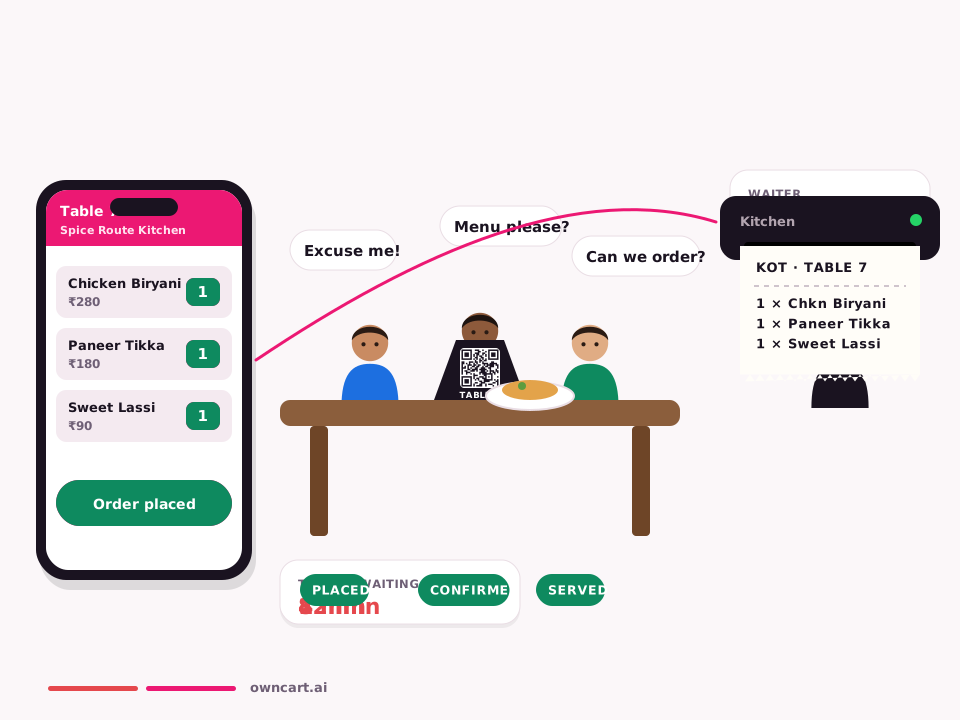
To turn a paper menu into a digital menu: photograph each page flat in good light (or use the PDF), upload it to a tool like OwnCart where AI drafts the dishes and prices, review prices and Half/Full options, add veg labels and photos, publish, then print QR codes for tables, the counter and delivery bags. Update prices online without reprinting.
Step by step
- Gather your menuCollect every page of your current menu, or the PDF from your printer.
- Photograph it wellFlat surface, good light, straight on, one page per photo, no glare on laminated pages.
- Upload to OwnCartCreate a free account at store.owncart.ai and upload the photos or PDF.
- Review the AI draftCheck every price, especially Half / Full and combos. Fix dish names and move dishes into the right categories.
- Add labels and photosMark veg / non-veg / egg on every dish and add photos of your bestsellers.
- Publish and print QR codesPublish, download table and counter QR codes, and print them as table tents or stickers.
- Place QR codes everywhere guests areTables, counter, delivery bags, flyers and your Instagram bio.
- Keep it currentUpdate prices and sold-out dishes in OwnCart; the QR never needs reprinting.
Review checklist
- Every price matches the printed menu
- Half / Full set as options on one dish, not two separate dishes
- Add-ons and combos (e.g. “choose 2 sides”) have limits
- Every dish has a veg / non-veg / egg label
- Breakfast or lunch-only sections have timings
- Spellings of dish names are how guests search for them
Where to place QR codes
- Each table, at eye level
- Billing counter and takeaway window
- Inside every delivery bag, including aggregator orders
- Flyers and posters (use a delivery QR)
- Instagram bio and Google Business Profile
Ready to start? It's free: free digital menu.
Common questions
What menu formats can I upload?
A clear photo of each menu page, or a PDF. OwnCart's AI reads the dishes, prices and sections and creates a draft for you to check and publish.
What if the AI reads a price wrong?
You review every draft before publishing. Fix any price, dish name or category in the menu editor, then publish. Nothing goes live until you publish it.
Do I need to reprint QR codes when prices change?
No. The QR code opens your live OwnCart menu, so when you change a price, add a dish or mark something sold out, guests see the update the next time they scan. Print the QR once.
Related pages
Put your menu online tonight.
Start free with a photo of your menu, or book a 15-minute demo and we'll set it up with you.
- 0% commission on every order
- Free digital menu to start
- Set up in Tamil or English